Smart List Optimizations (Outreach teams)
Last updated: December 17, 2025
One of the most popular features in Nooks is our Smartlists.
A small optimization in your Outreach settings makes them even more powerful!
This article will show you how to create a trigger in Outreach that removes prospects from the sequence as you get more connections.
*Outreach sequence logic doesn't work outside of the box because calls from Smart Lists and one-off tasks are not attached to the sequence.
To follow along, you'll need admin permissions in Outreach.
Walk-through video.
en the Admin Portal
Navigate to Workflows, then Triggers
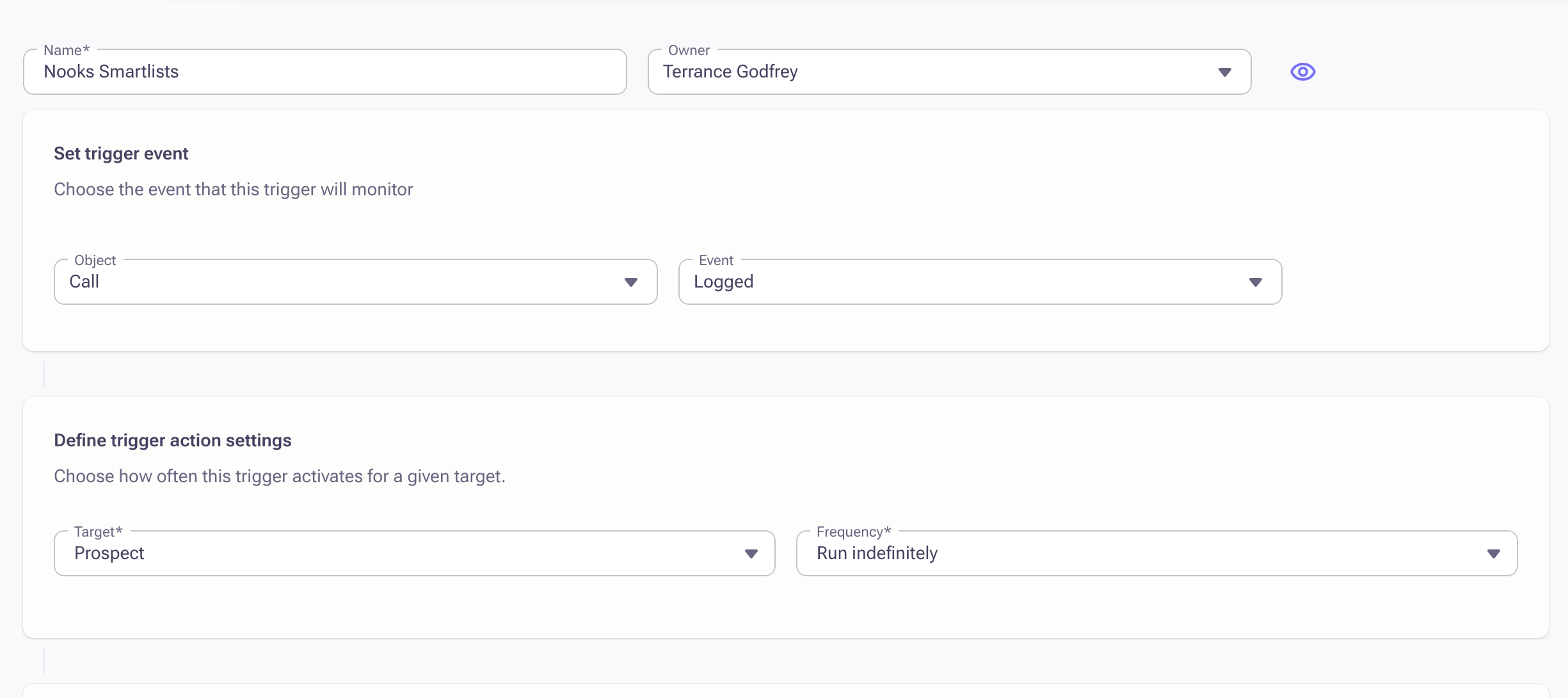
Create a new Trigger labeled "Nooks Smart Lists"
Set the trigger event as Object = Call and Event = logged
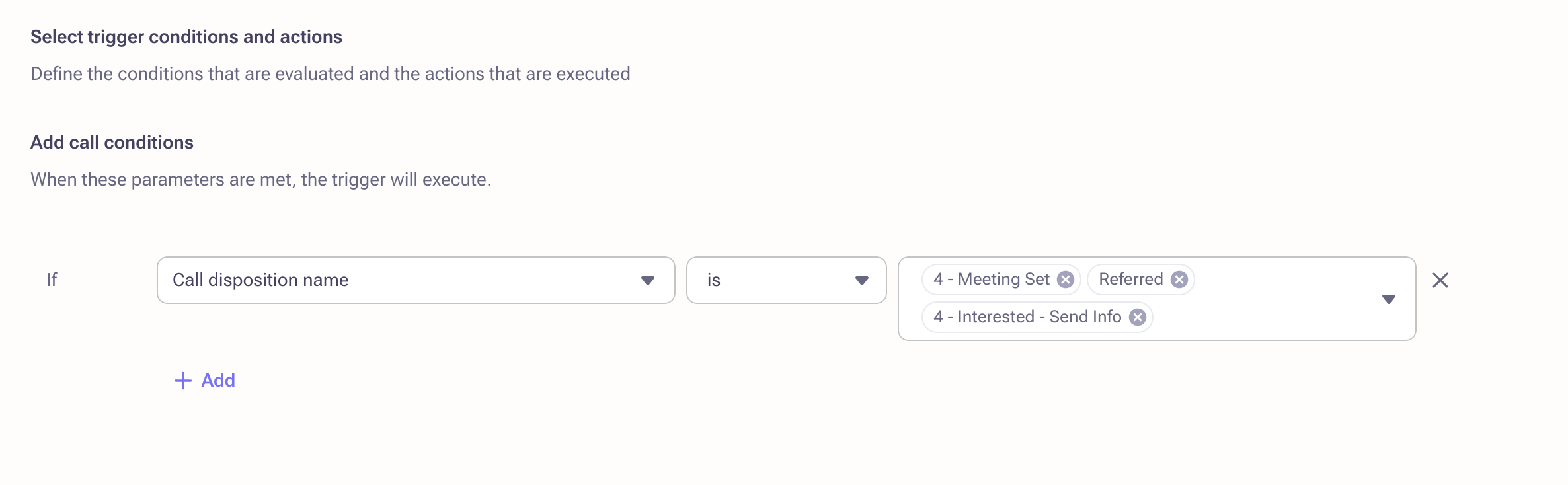
Add call conditions as if "call disposition name" is (add all dispositions that should remove a prospect from sequences)
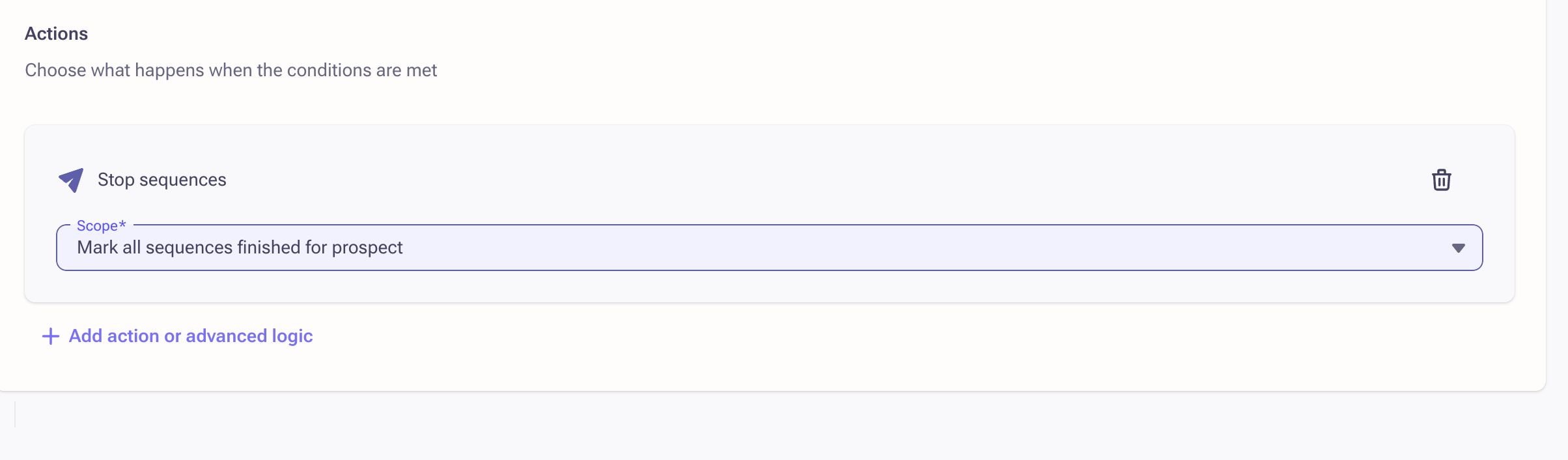
Set the action to "Mark all Sequences finished for prospect."
Save and Activate the Trigger